
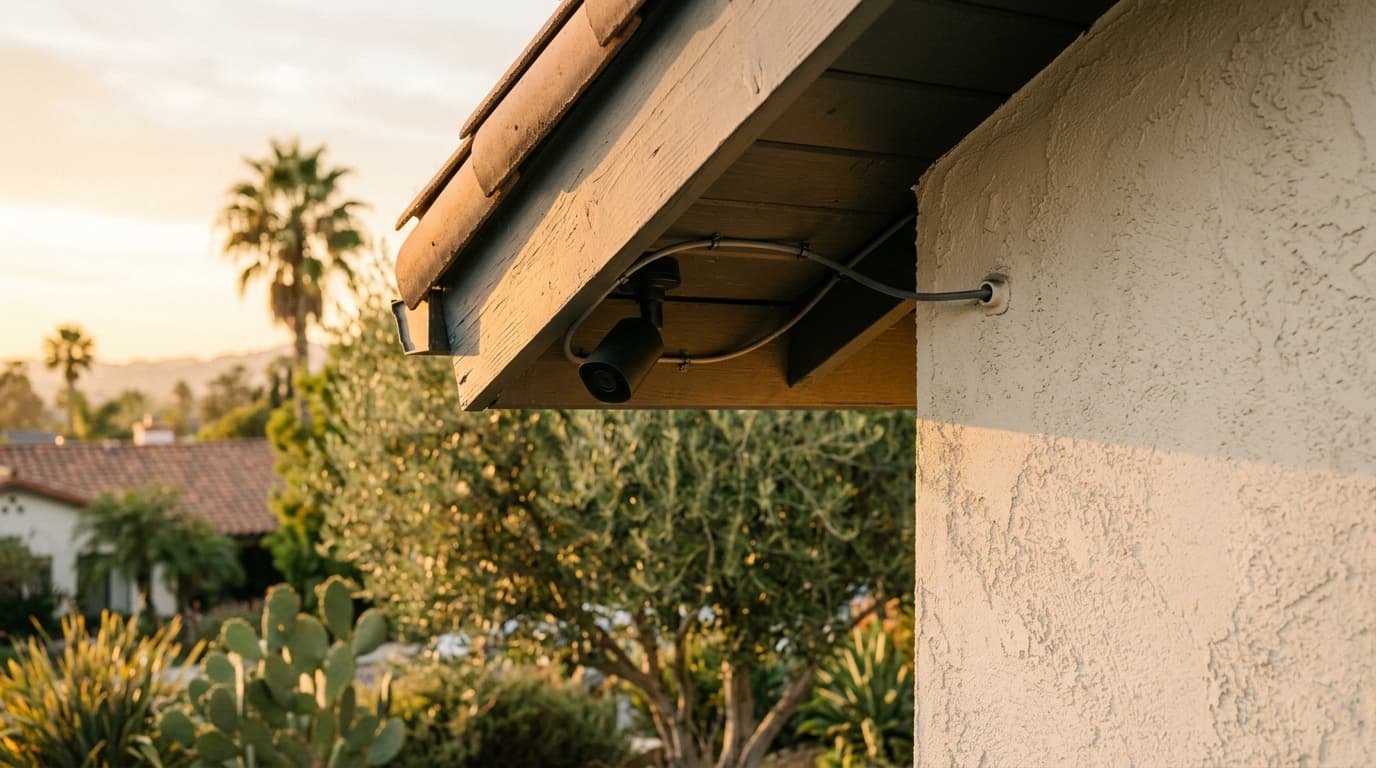
Wireless security cameras — Ring, Nest, Arlo, Wyze — have dominated retail shelves for years. They're easy to install, cheap to buy, and require no professional help. That's also why so many LA homeowners are calling us 18 months later asking to rip them out and replace them with hardwired systems. Here's the honest comparison.
The Wireless Pitch
Battery-powered, Wi-Fi-connected, subscription cloud storage. DIY install in 20 minutes. Everything an entry-level homeowner wants.
Where Wireless Fails
1. Batteries die at the worst time
Most wireless cameras claim 3–6 months of battery life under "typical" use. Typical means a handful of clips a day. Real life — high-traffic front door, busy driveway, landscaped backyard with cats — kills batteries in 3–6 weeks. You get low-battery notifications constantly, or worse, the camera is dead when something actually happens.
2. Wi-Fi congestion kills video quality
Wireless cameras compete with phones, TVs, and everything else on your network. Most of them top out at 1080p, drop frames during events, and have 1–3 second delays that feel like forever when you're watching live. 4K wireless cameras exist but chew through bandwidth even harder.
3. Missed clips
"Smart" detection algorithms miss things. Cloud upload delays mean the first few seconds of an event aren't recorded. The camera wakes up from sleep to save battery, misses the beginning of motion, and starts recording after the action. These aren't edge cases — they're the norm.
4. Subscription fees forever
Cloud storage plans run $3–$15 per camera per month. Five cameras = $360–$900 per year, forever. Over 10 years that's $3,600–$9,000 in subscription fees.
5. Vendor lock-in and changing business models
Companies change their apps, their plans, their privacy policies, and occasionally their entire products. If Ring decides to sunset your camera model in 5 years, it becomes a paperweight.
Why Hardwired PoE Wins
Hardwired Power over Ethernet (PoE) cameras — Reolink, Ubiquiti, Amcrest, Axis, Hikvision — solve all of the above:
- No batteries. Ever.
- Wired Ethernet = no Wi-Fi congestion, no dropped frames, no compressed bitrate
- Continuous recording options (not just motion-activated)
- Local storage on an NVR — no subscription fees
- 4K, low-light, and wide dynamic range actually work properly
- Zero latency on live view
- Not dependent on cloud services staying alive
The Install Difference
A hardwired system requires: a Cat6 run from each camera to a central PoE switch or NVR. That's the whole reason people pick wireless — because drilling, fishing walls, and running cable is not a DIY weekend. But it's a 1–2 day job for a competent low-voltage electrician, and once it's done you never touch it again.
Our Standard Install
We run Cat6 in conduit or through the soffit to each camera location, cleanly with no visible cable. Cameras typically go at roof eaves (4 corners of the house), garage entry, driveway, pool area. All cabling terminates at a central Ubiquiti UniFi or Reolink NVR in the network closet, with local storage on a 4TB HDD.
PoE switch powers the cameras — no separate AC outlets needed at each camera. The whole system runs off the main house power (and a battery backup for outage resilience). Local storage means recordings survive even if the internet goes down.
Cost Comparison
- Wireless (5 cameras, 10 years with subscriptions): $1,250 hardware + $4,500 subscriptions = ~$5,750 total
- Hardwired PoE (5 cameras installed, 10 years): $3,500–$5,500 installed + $0 subscriptions = ~$4,500 total
Hardwired is cheaper over any reasonable timeframe, and dramatically more reliable.
Integration
Most modern NVRs support ONVIF and RTSP, which means integration with HomeKit, Home Assistant, Synology, and Google Home is straightforward. You're not locked to a vendor's app.
Who Should Stick With Wireless
Renters. Apartment dwellers. Anyone planning to move in <2 years. If you own the home and plan to stay, hardwired is the right call.
Getting Started
We design camera coverage as part of a smart home / low voltage install. Typical walkthrough: 30 minutes to identify camera positions, run Cat6 plan, pick NVR. See also our new construction prewire guide.
Ready to do this right? Call 818-852-4910. Owner on every install.
Need help with this?
Call the owner directly for a free consultation. No dispatchers, no runaround.
Call 818-852-4910